
One Line Made My Database 300× Faster — Indexes Explained (Run It Yourself)

One Line Made My Database 300× Faster
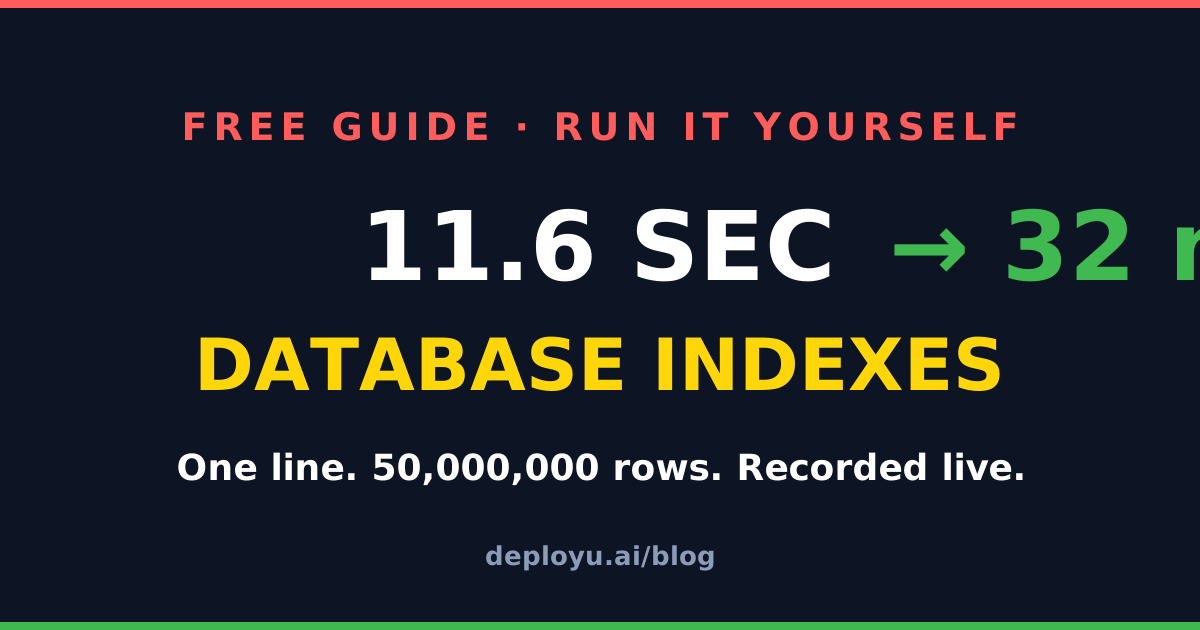
We ran this live on camera. A real Postgres database, 50 million rows, one query.
- Without an index: 11.6 seconds (11,604 ms)
- After one
CREATE INDEXline: 32 milliseconds
Same data. Same query. Over 300× faster. No tricks, no cache games — the timings below are exactly what the terminal printed.
This guide explains why that happens, and gives you every command so you can reproduce it on your own laptop in about 5 minutes.
What an Index Actually Is
Think of the index page at the back of a textbook. You do not read all 800 pages to find “photosynthesis” — you jump to the index, it is sorted, and it tells you the exact page.
A database index is the same thing. Postgres builds a sorted structure (a B-tree) on the column you choose. Instead of reading every row (a sequential scan), the database makes a few quick hops through the tree and jumps straight to the matching row.
- No index: reads all 50,000,000 rows to find one → 11.6 seconds
- Index: reads ~4 pages of the tree → 32 milliseconds
Run It Yourself (5 minutes, free)
You need Docker installed. Everything else is copy-paste.
1. Start a real Postgres database:
docker run -d --name pgdemo -e POSTGRES_PASSWORD=demo postgres:16
docker exec pgdemo pg_isready -U postgres   # wait for "accepting connections"
docker exec -it pgdemo psql -U postgres
2. Create a table and insert 50 million rows (takes ~1 minute; note: no primary key — that matters, see below):
\timing on

CREATE TABLE users (
  id        bigint,
  email     text,
  country   text,
  signup_at date
);

INSERT INTO users
SELECT g,
       'user' || g || '@example.com',
       (ARRAY['IN','US','GB','DE','BR'])[1 + g % 5],
       DATE '2020-01-01' + (g % 2000)
FROM generate_series(1, 50000000) AS g;

ANALYZE users;
3. The slow query — search one user by email, no index:
SELECT * FROM users WHERE email = 'user42000001@example.com';Our machine: Time: 11604.033 ms. Want proof it read everything? Ask Postgres for the plan:
EXPLAIN (ANALYZE, COSTS OFF)
SELECT * FROM users WHERE email = 'user42000001@example.com';
You will see Parallel Seq Scan on users and Rows Removed by Filter: 16666666 per worker — it checked every row and threw almost all of them away.
4. The one line:
CREATE INDEX idx_users_email ON users (email);(Building the index takes ~50 seconds — it reads the whole table once to build the sorted tree.)
5. The same query again:
SELECT * FROM users WHERE email = 'user42000001@example.com';Our machine: Time: 32.036 ms. Run EXPLAIN again and the plan now says Index Scan using idx_users_email — the database jumped straight to the row.
6. Clean up when done:
docker rm -f pgdemo && docker volume prune -fWhen NOT to Index (this is the interview answer)
Indexes are not free. Three things every interviewer wants to hear:
- Writes get slower. Every
INSERT,UPDATE, andDELETEmust also update every index on the table. Index the columns you search, not every column. - Low-selectivity columns don’t benefit. An index on
countrywhen 20% of rows are'IN'will mostly be ignored — the planner will still choose a sequential scan, because reading a fifth of the table through an index is slower than scanning it. - Primary keys are already indexed. Postgres auto-creates an index for every
PRIMARY KEYandUNIQUEconstraint. That is exactly why our demo table had no primary key — and why yourWHERE id = …queries are already fast.
The 10-Second Summary
A query without an index reads every row. An index is a sorted lookup structure that lets the database jump straight to the answer. One line, hundreds of times faster on reads — paid for with slightly slower writes.
Now you have run it yourself, you can say that in an interview with a straight face.
Want to go deeper than one query?
DeployU gives you real hands-on database and cloud labs — Postgres, SQL, AWS, and more, running in your browser. Built for Indian engineering students.