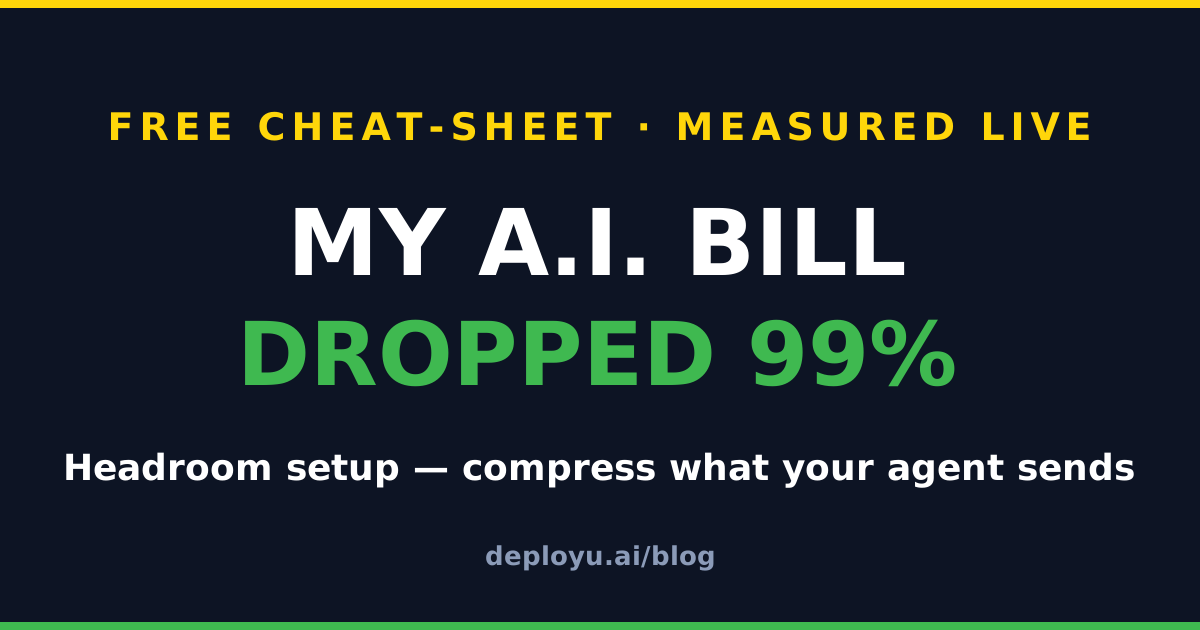

My A.I. Bill Dropped 99% — The Headroom Setup Cheat-Sheet

My A.I. Bill Dropped 99% — Here Is the Exact Setup
Every time your A.I. agent makes a call, it resends context — logs, tool outputs, conversation history. You pay for the same tokens again and again.
Headroom (57,000+ GitHub stars, Apache-2.0, by Netflix senior engineer Tejas Chopra) sits between your agent and the model and compresses that context before you pay for it. The project reports 60–95% fewer tokens on JSON data and 15–20% on coding agents.
We measured it live on a real 3,000-line CI build log: 133,385 tokens → 1,090 tokens (99%). At 1,000 calls/day on Claude Sonnet pricing, that payload goes from ~$400/day to ~$3/day. The originals stay in a local cache (CCR), so the model can retrieve any detail it needs — nothing is lost.
Install (60 seconds)
pip install "headroom-ai[all]"The PyPI package is headroom-ai (not headroom) — it ships the headroom CLI. Python 3.10+. uv tool install "headroom-ai[all]" also works.
The three ways to use it
1. Wrap your agent (easiest):
headroom wrap claude # or codex — undo with: headroom unwrap2. Proxy mode (zero code changes, any language):
headroom proxy --port 8787Point your API base URL at the proxy; it compresses everything passing through.
3. Python library (what our demo used):
from headroom import compress

result = compress(messages, model="claude-sonnet-4-5")
print(result.tokens_before, result.tokens_after, result.tokens_saved)
compress() returns real measured stats — tokens_before, tokens_after, compression_ratio, and transforms_applied.
Reproduce our 99% demo
from headroom import compress

log = open("build_log.txt").read()   # any big, real log file

messages = [
    {"role": "user", "content": "why is this build slow?"},
    {"role": "assistant", "content": None, "tool_calls": [
        {"id": "t1", "type": "function",
         "function": {"name": "read_build_log", "arguments": "{}"}}]},
    {"role": "tool", "content": log, "tool_call_id": "t1"},
]

r = compress(messages, model="claude-sonnet-4-5")
print(f"{r.tokens_before:,} -> {r.tokens_after:,} ({100*r.tokens_saved/r.tokens_before:.0f}% saved)")
Two things we learned measuring this (worth knowing before you judge your own numbers):
- User messages are protected by default — Headroom compresses tool outputs and history, not what you typed. That’s a feature (
compress_user_messages=False). - Results depend on content type. Verbose logs crushed to 99% for us; GitHub API JSON hit ~27–30%; the project’s own table shows 47–92% across workloads. Measure on your payloads — the stats come back with every call.
See your savings
headroom doctor      # setup check
headroom dashboard   # live savings view
headroom perf        # numbers
Honest caveat: compression savings apply to input tokens. Output-token savings are estimates (the tool labels them with confidence bands) — judge by your own dashboard after a few days of real traffic.
Building with A.I. agents?
DeployU’s hands-on labs teach the real engineering behind AI apps — APIs, databases, cloud deployments — in your browser. Built for Indian engineering students.