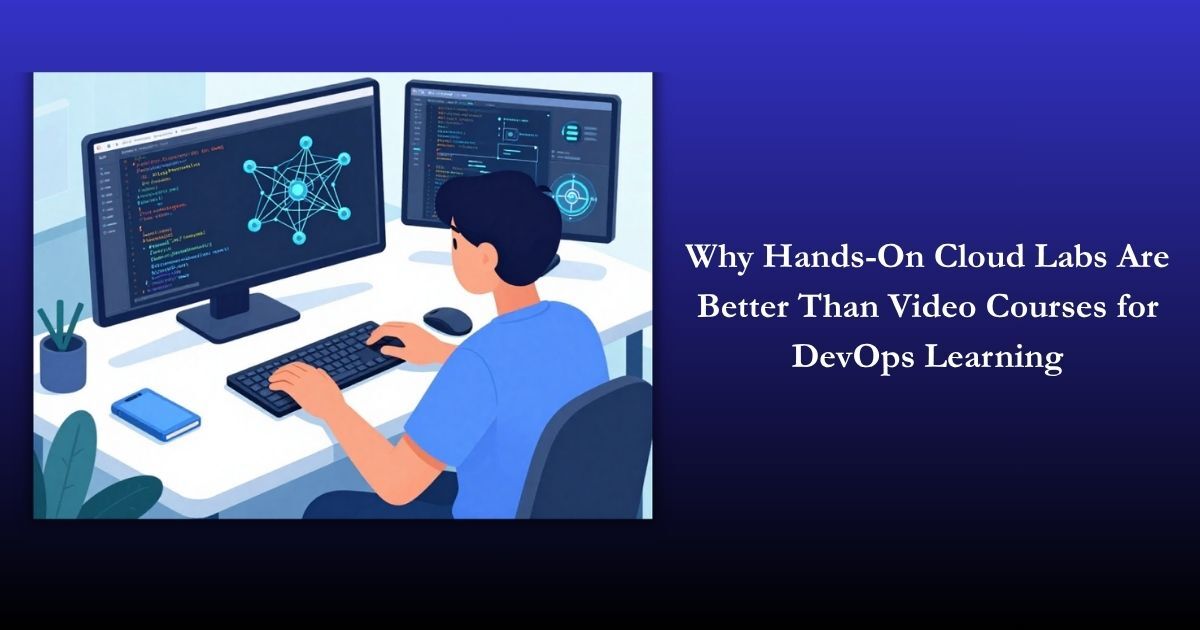

Why Hands-On Cloud Labs Are Better Than Video Courses for DevOps Learning

Why Hands-On Cloud Labs Are Better Than Video Courses for DevOps Learning
The demand for DevOps professionals is growing rapidly. Companies are looking for skilled individuals who can manage infrastructure, automate processes, and deploy applications efficiently. While there are many ways to learn DevOps, one common question arises—should you rely on video courses or focus on hands-on cloud labs?
Although video courses are popular, they often fall short when it comes to real-world skill development. On the other hand, hands-on cloud labs provide practical experience that prepares you for real job scenarios.
In this blog, we’ll explore why hands-on cloud labs are far more effective than video courses for DevOps learning.
Introduction
Learning DevOps is not just about understanding concepts—it’s about applying them. DevOps involves tools, automation, and real-time problem-solving, which cannot be mastered by watching videos alone.
Many beginners start with video tutorials, which is a good first step. However, without practical experience, it becomes difficult to implement what you’ve learned.
This is where hands-on cloud labs play a crucial role. They allow you to practice in real environments, making your learning more effective and job-ready.
What Are Hands-On Cloud Labs?
Hands-on cloud labs are interactive learning environments where you can practice real DevOps tasks using cloud platforms.
Key Features:
- Real-time practice
- Access to cloud infrastructure
- Guided exercises and challenges
- Safe environment for experimentation
These labs simulate real-world scenarios, helping you gain practical experience.
What Are Video Courses?
Video courses are pre-recorded lessons that explain DevOps concepts, tools, and workflows.
Advantages:
- Easy to follow
- Beginner-friendly
- Flexible learning
Limitations:
- Passive learning
- No real practice
- Limited problem-solving experience
While they are helpful for understanding theory, they are not enough for mastering DevOps.
Key Differences Between Cloud Labs and Video Courses
Practical vs Theoretical Learning
- Cloud labs focus on doing
- Videos focus on explaining
Engagement Level
- Labs are interactive
- Videos are passive
Skill Retention
- Practice improves memory
- Watching alone leads to forgetting
Real-World Application
- Labs simulate real jobs
- Videos lack practical exposure
Why Hands-On Cloud Labs Are Better for DevOps Learning
1. Real-World Experience
Cloud labs allow you to work with real tools and environments.
- Deploy applications
- Configure servers
- Manage infrastructure
This experience is exactly what employers look for.
2. Active Learning Approach
Instead of just watching, you actively perform tasks.
- Learn by doing
- Immediate feedback
- Better understanding
Active learning leads to deeper knowledge.
3. Faster Skill Development
When you practice regularly, you learn faster.
- Apply concepts instantly
- Identify mistakes quickly
- Improve continuously
This speeds up your learning process.
4. Better Retention of Knowledge
Practical experience helps you remember concepts longer.
- Hands-on practice reinforces learning
- Repetition builds confidence
- You are less likely to forget what you’ve practiced
5. Exposure to Real DevOps Tools
Cloud labs give access to industry tools.
- Docker
- Kubernetes
- CI/CD pipelines
Working with these tools prepares you for real jobs.
6. Builds Problem-Solving Skills
DevOps is all about solving real problems.
- Debug errors
- Fix configurations
- Handle failures
Cloud labs help you develop critical thinking skills.
7. Job-Ready Skills
Employers prefer candidates with practical experience.
- Real project exposure
- Hands-on knowledge
- Confidence in tools
Cloud labs make you job-ready.
Limitations of Video Courses
While video courses are useful, they have several drawbacks.
- No hands-on practice
- Difficult to apply concepts
- Limited engagement
- No real-world challenges
Relying only on videos can slow down your progress.
Benefits of Combining Labs with Video Learning
The best approach is to combine both methods.
Why It Works:
- Videos explain concepts
- Labs provide practice
- Balanced learning
This combination ensures complete understanding.
Best Use Cases for Hands-On Cloud Labs
Cloud labs are useful for different types of learners.
Beginners
Start practicing early to build strong foundations.
Working Professionals
Upgrade skills and stay relevant.
Certification Aspirants
Prepare for exams with practical experience.
How to Get Started with Cloud Labs
1. Choose the Right Platform
Select a platform that offers real-world scenarios.
2. Set Learning Goals
Focus on specific skills.
3. Practice Regularly
Consistency is key.
Common Mistakes to Avoid
Avoid these mistakes while learning DevOps:
- Relying only on video courses
- Skipping hands-on practice
- Learning too many tools at once
- Not working on real projects
Focus on practice and consistency.
Future of DevOps Learning
The future of learning is interactive and practical.
Emerging Trends:
- AI-powered labs
- Real-time simulations
- Interactive learning platforms
Hands-on learning will continue to dominate.
Conclusion
DevOps is a practical field that requires real-world experience. While video courses are helpful for understanding concepts, they are not enough on their own.
To succeed in DevOps:
- Focus on hands-on cloud labs
- Practice regularly
- Work on real projects
- Combine theory with practice
If you truly want to become a skilled DevOps professional, start learning by doing—not just watching.
Hands-on cloud labs are the key to building real skills and achieving career success.