Master
Version
Control.
Hands-On
Practice.
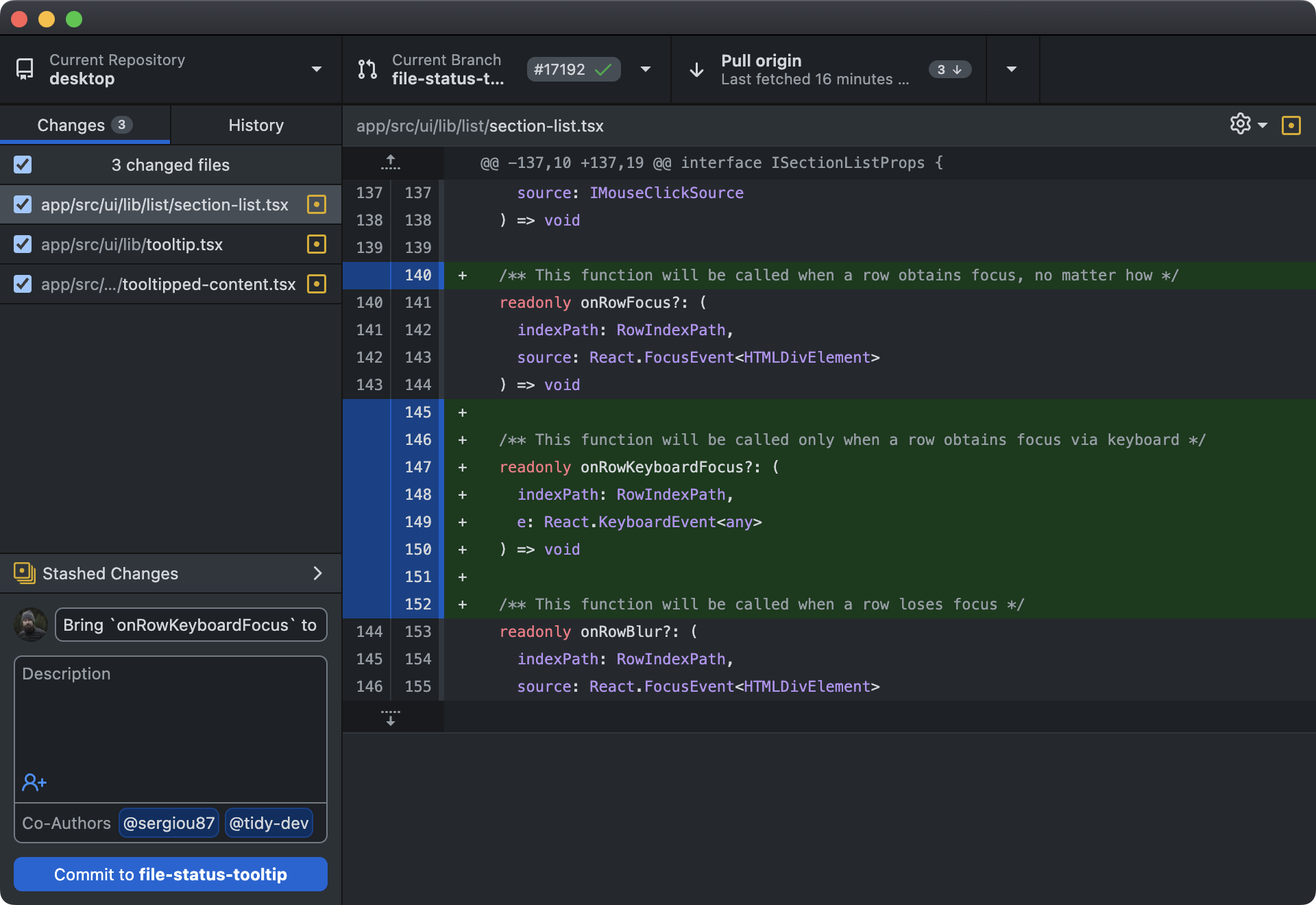
Stop memorizing commands. Get hands-on with real Git repositories and practice branching, merging, rebasing, conflict resolution, and team workflows in your browser.
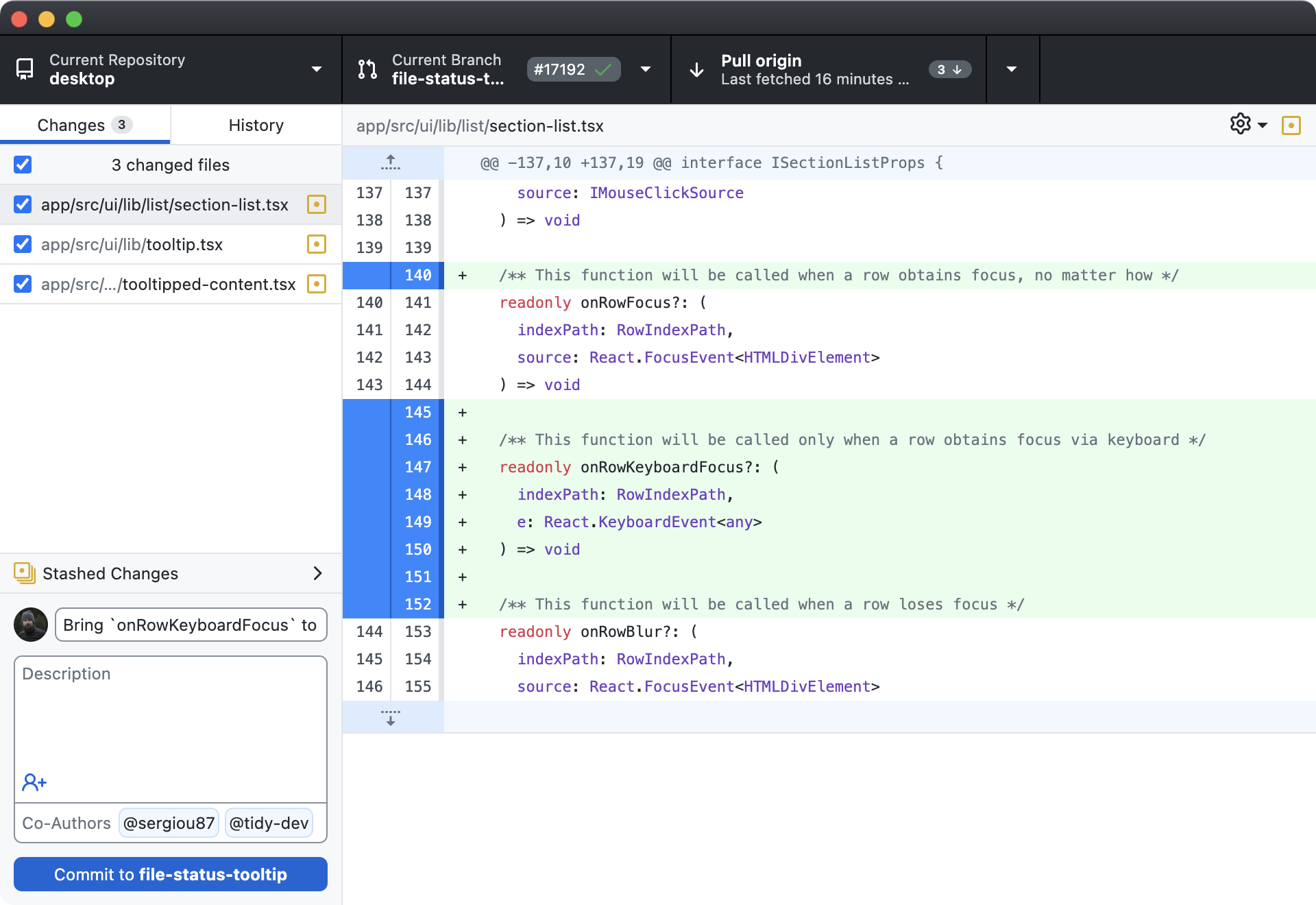
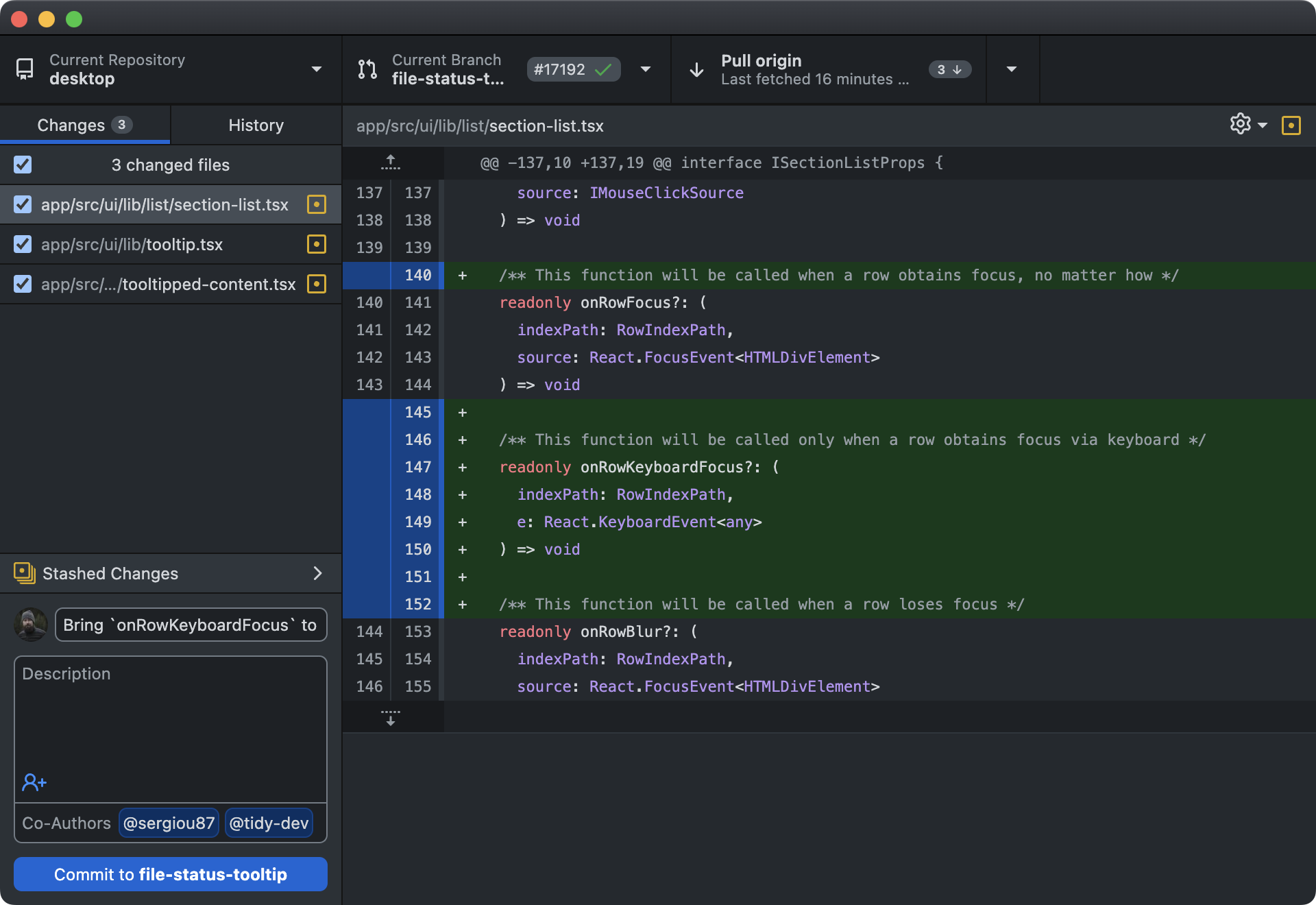
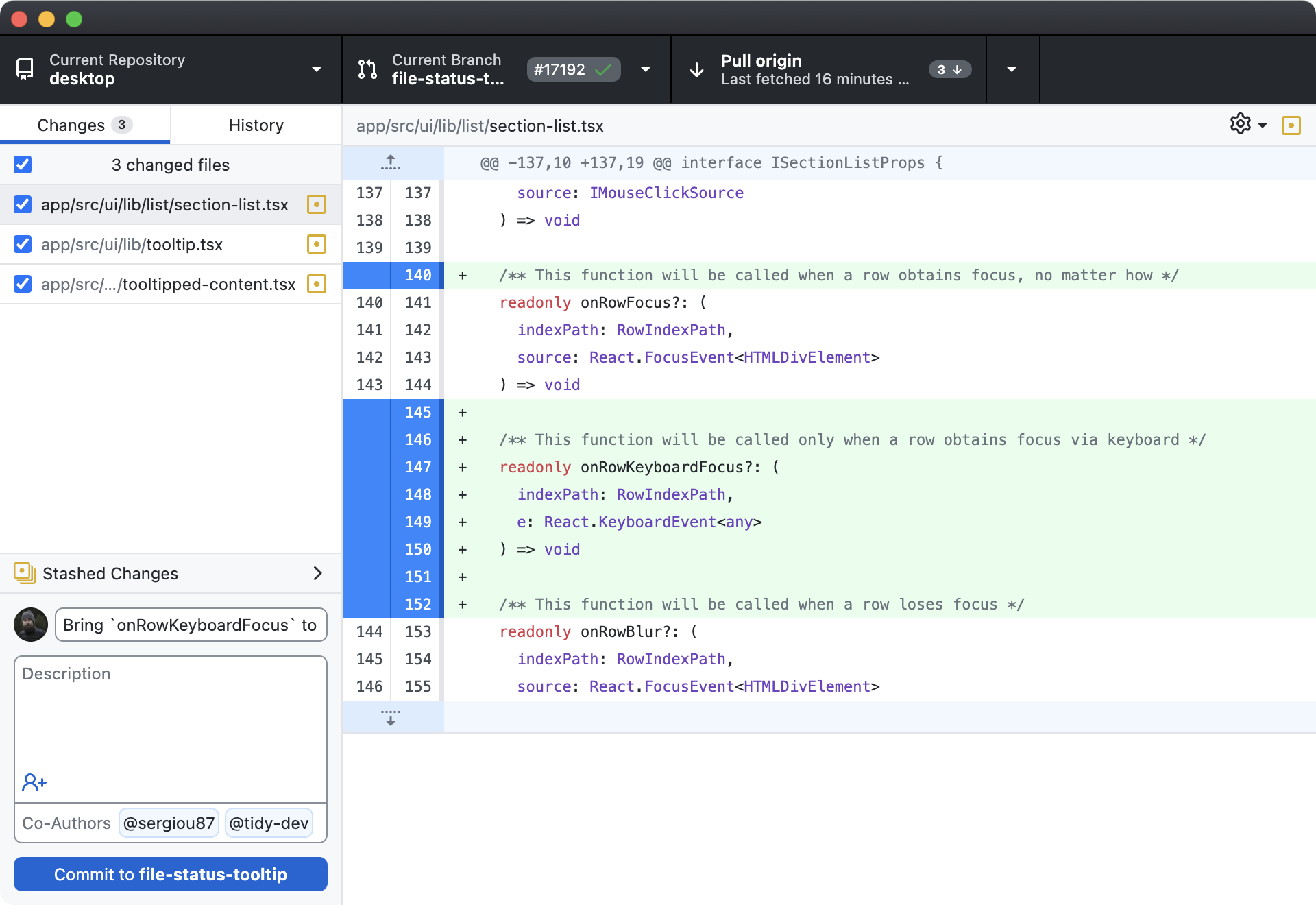
Branch. Commit. Merge. Rebase. Resolve conflicts. Real Git repos in your browser. No setup. No risk. Just version control mastery.
Everything You Need to Master Git
Branching Strategies
Practice creating, switching, and managing branches. Learn Git Flow, trunk-based development, and feature branching strategies used by professional development teams worldwide.
Merging & Rebasing
Understand the difference between merge and rebase through practice. Learn when to use each strategy, how to keep a clean commit history, and how to handle fast-forward vs three-way merges.
Conflict Resolution
Stop fearing merge conflicts. Our labs create real conflict scenarios for you to resolve step by step. Learn to read conflict markers, choose the right changes, and resolve even complex multi-file conflicts.
Git Workflows
Practice real-world team workflows: feature branches, pull requests, code reviews, and release management. Simulate collaborating with a team using the same patterns as open-source projects.
Cherry-Picking
Learn to selectively apply commits from one branch to another. Practice cherry-picking hotfixes, backporting features, and managing changes across release branches like a senior engineer.
Interactive History
Master git log, reflog, bisect, and blame. Learn to navigate commit history, find when bugs were introduced, rewrite history safely, and understand every change that shaped your codebase.

Real Git Repositories, Not Visualizations
This is not an interactive diagram or a visual simulator. You work with real Git repositories using the actual git CLI.
Every commit, branch, and merge happens in a genuine .git directory, giving you the same experience as working on a real project.
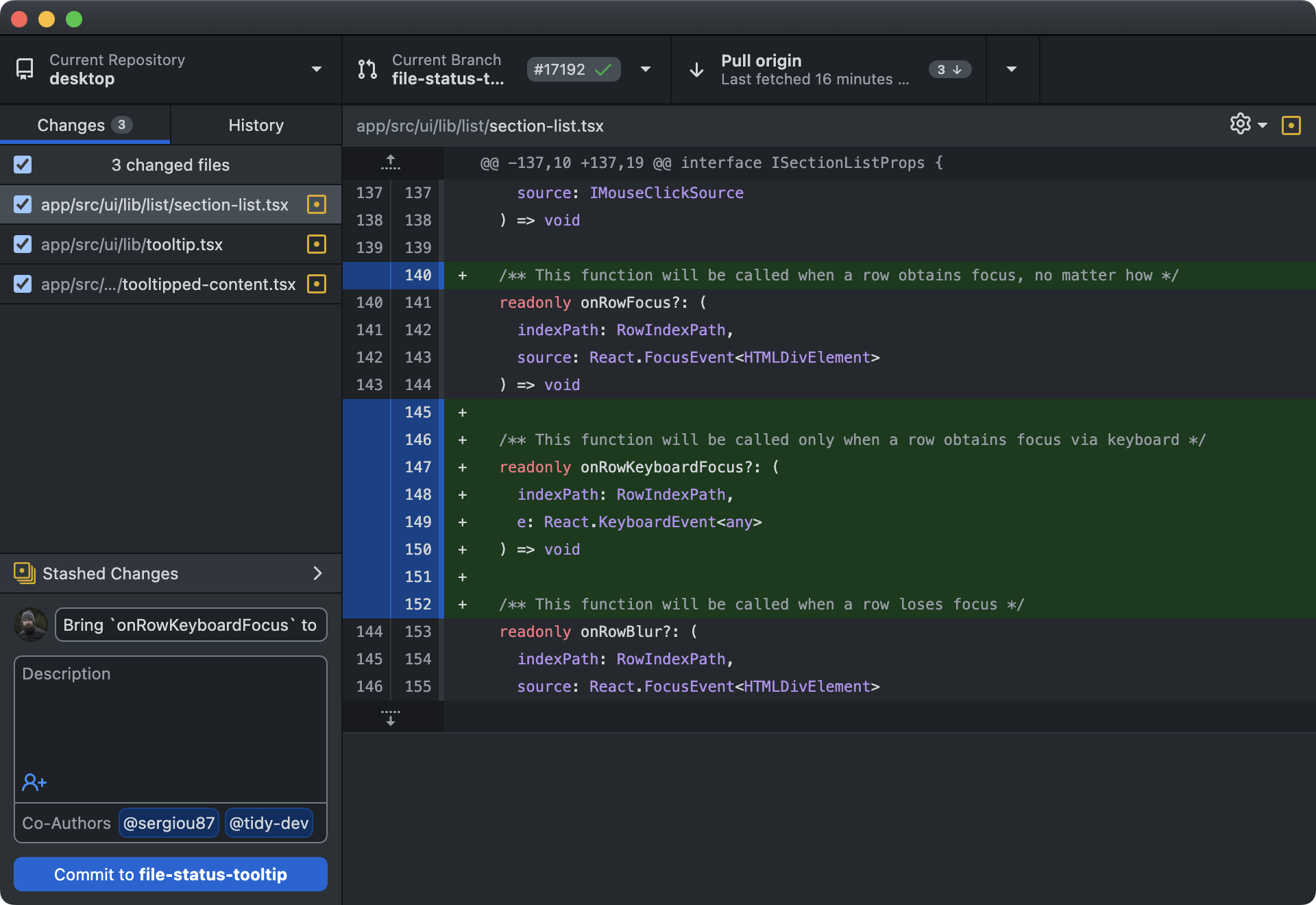
Simulate Team Workflows
Practice collaborating as if you were on a real team. Our labs simulate multiple contributors pushing to shared remotes, creating pull requests,
and resolving conflicts. Learn the communication and coordination skills that make Git powerful in team settings.
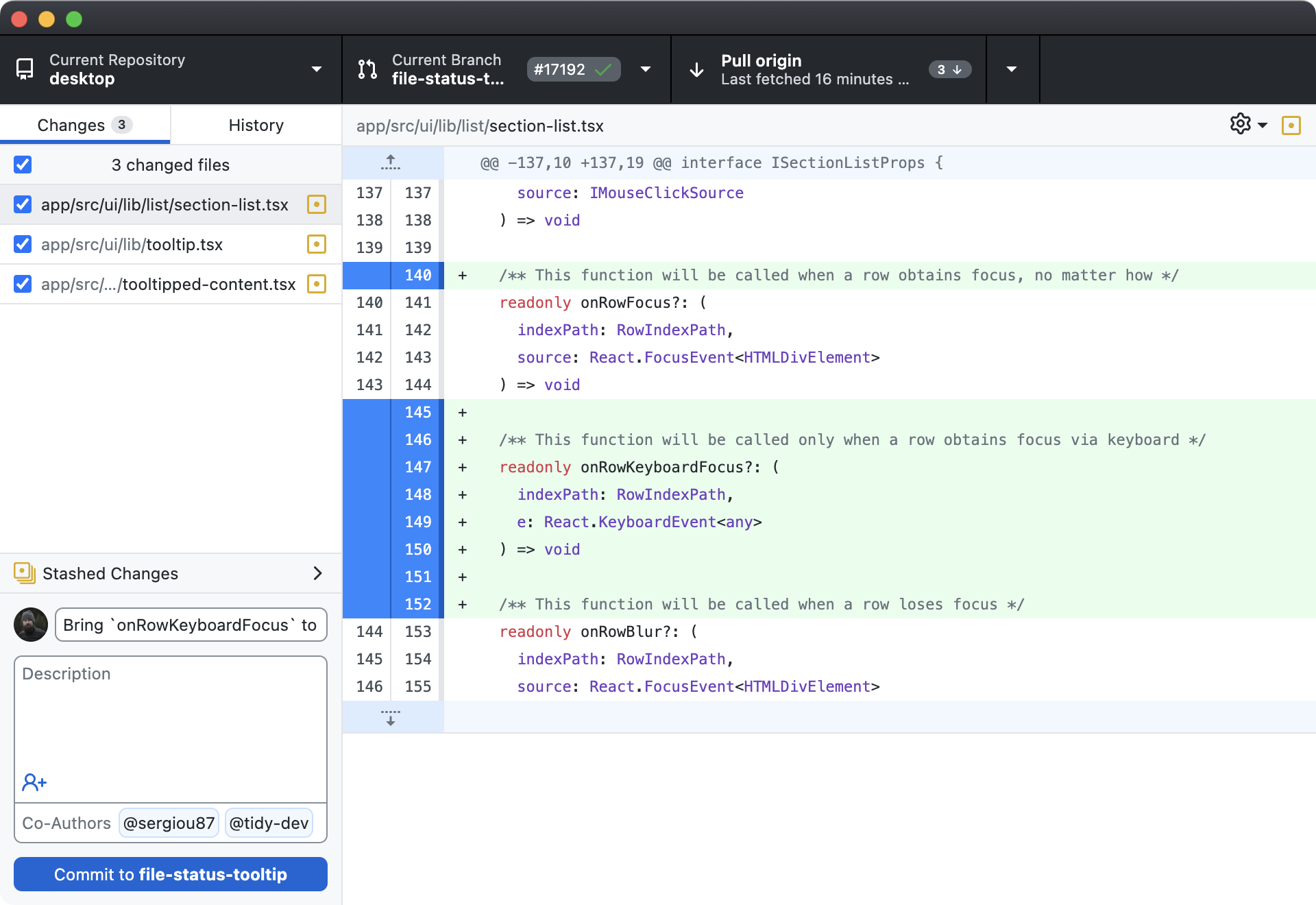
Safe to Experiment
Accidentally force-pushed to main? Messed up a rebase? No problem. Your sandbox resets cleanly every session.
Practice the dangerous commands like git reset --hard, git rebase -i, and git push --force in a safe environment where mistakes are encouraged.